11 November 2026
Inside Zeed: Blending Generative Art into a Brand System
A step-by-step studio breakdown of how I transformed experimental visuals, AI textures, and rigid typography into a cohesive identity for Zeed.
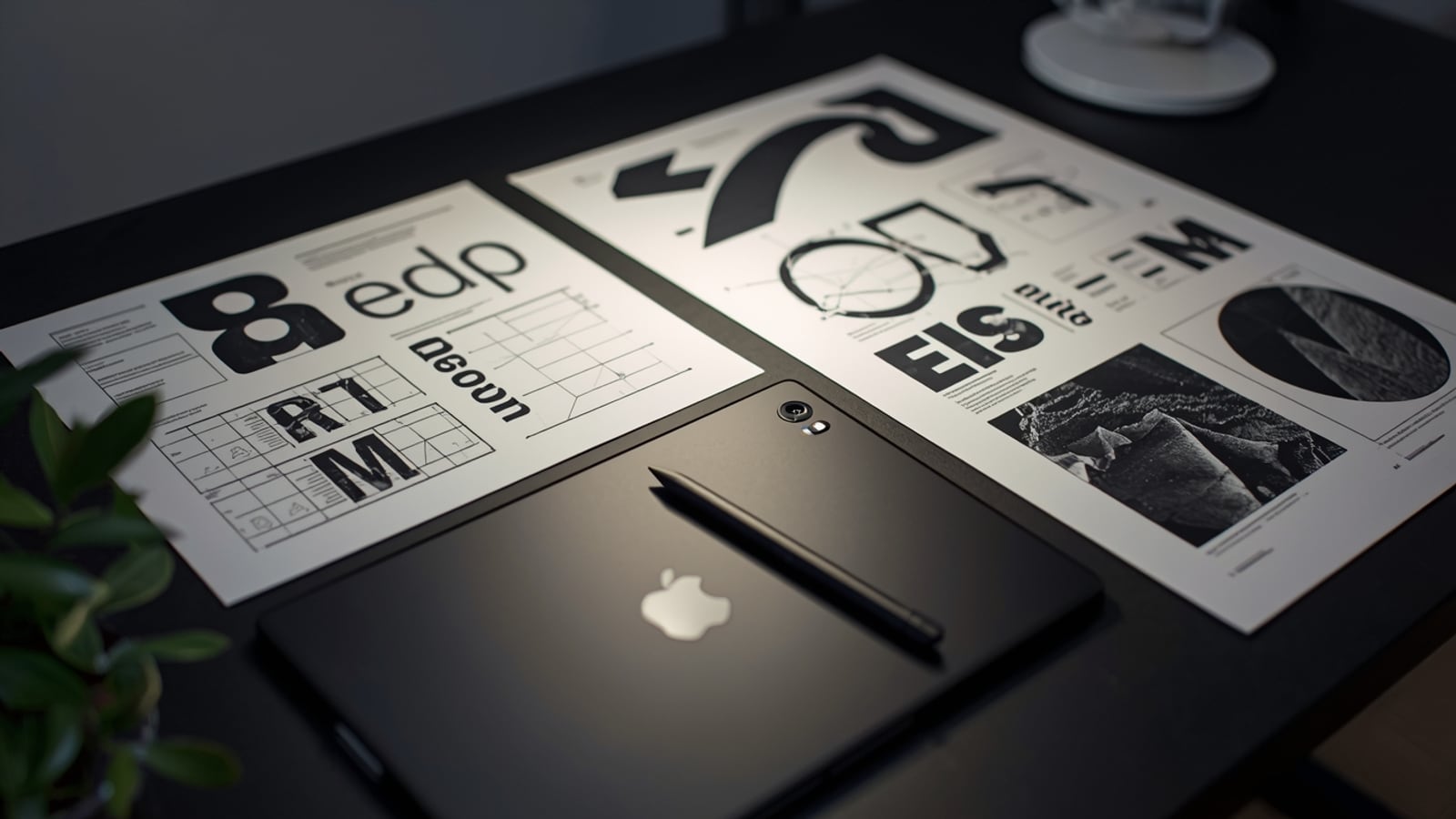
The single biggest failure in modern identity design is creating visually striking individual assets that completely fall apart when placed next to each other. When I began designing the visual system for the Zeed branding project, that exact challenge sat on my desk: blending generative AI textures, crisp typographic structure, and dynamic motion graphics into an unmistakable brand identity without it ever feeling random or disconnected.
Many designers generate an exciting visual from an AI prompt, paste it straight onto a poster or social slide, and call it a day. In studio practice, that initial render is nothing more than raw digital clay. In this guide, I will break down the exact production pipeline I used for Zeed: isolating raw conceptual assets, locking them to a strict vector grid, and building responsive motion templates.
1. Transforming Raw AI Concepts into Cohesive Brand Assets
The fundamental problem with generative tools is visual drift. If you feed the same prompt with varying seeds, your color temperatures, lighting directions, and material roughness shift dramatically. For Zeed, my primary rule was simple: AI is an asset extraction tool, not a finished product generator.
Form and Surface Extraction
Rather than using composite renders out of the box, I separated every asset into distinct production passes within Photoshop:
- High-Bit Luminance Isolation: Opening raw images in a 32-bit workspace allowed me to build precision luminance masks, isolating specular highlights, rim lights, and deep shadow channels.
- Texture Stripping: I extracted specific material behaviors—such as brushed aerospace metals or liquid refractive glass—while discarding distracting AI-generated backgrounds.
- Palette Remapping: I immediately stripped away the default over-saturated color profiles generated by AI models, pulling values back into Zeed's designated core palette: deep obsidian, surgical white, and targeted cyber-accent hues.
Skipping this foundational isolation step leaves your project looking like an unfocused concept art feed rather than an intentional, scalable brand system.
2. Typography and Grid: The Vector Backbone
The only reliable way to stabilize wild, organic, or futuristic visuals is through an uncompromising typographical hierarchy and a mathematical layout grid. In the Zeed universe, the more fluid and ambient the background became, the more rigid and architectural the information layer had to be.
To achieve this balance, I engineered three primary structural rules:
- Monospace Versus Expressive Grotesque: I paired extended geometric display headers with an industrial monospace font for technical specifications, coordinate tags, and meta-descriptions. This stylistic contrast immediately signaled precision engineering.
- Strict 8-Point Layout Rhythm: Inside Illustrator and Figma, every interface element, text block, and padding interval was locked to multiples of 8 pixels. Line height (leading) and margins were strictly mathematically linked.
- Interface Micro-Accents: I integrated functional vector accents—plus markers (+), framing brackets, coordinate rulers, and hairline borders. Placed over dynamic abstract imagery, these vector details anchor the composition and prevent the eye from drifting aimlessly.
Never sacrifice functional readability for visual flair. When laying typographic layers over dense textures, use subtle Curves or adjustment masks to depress background midtones by 20% to 30%, guaranteeing immediate optical clarity.
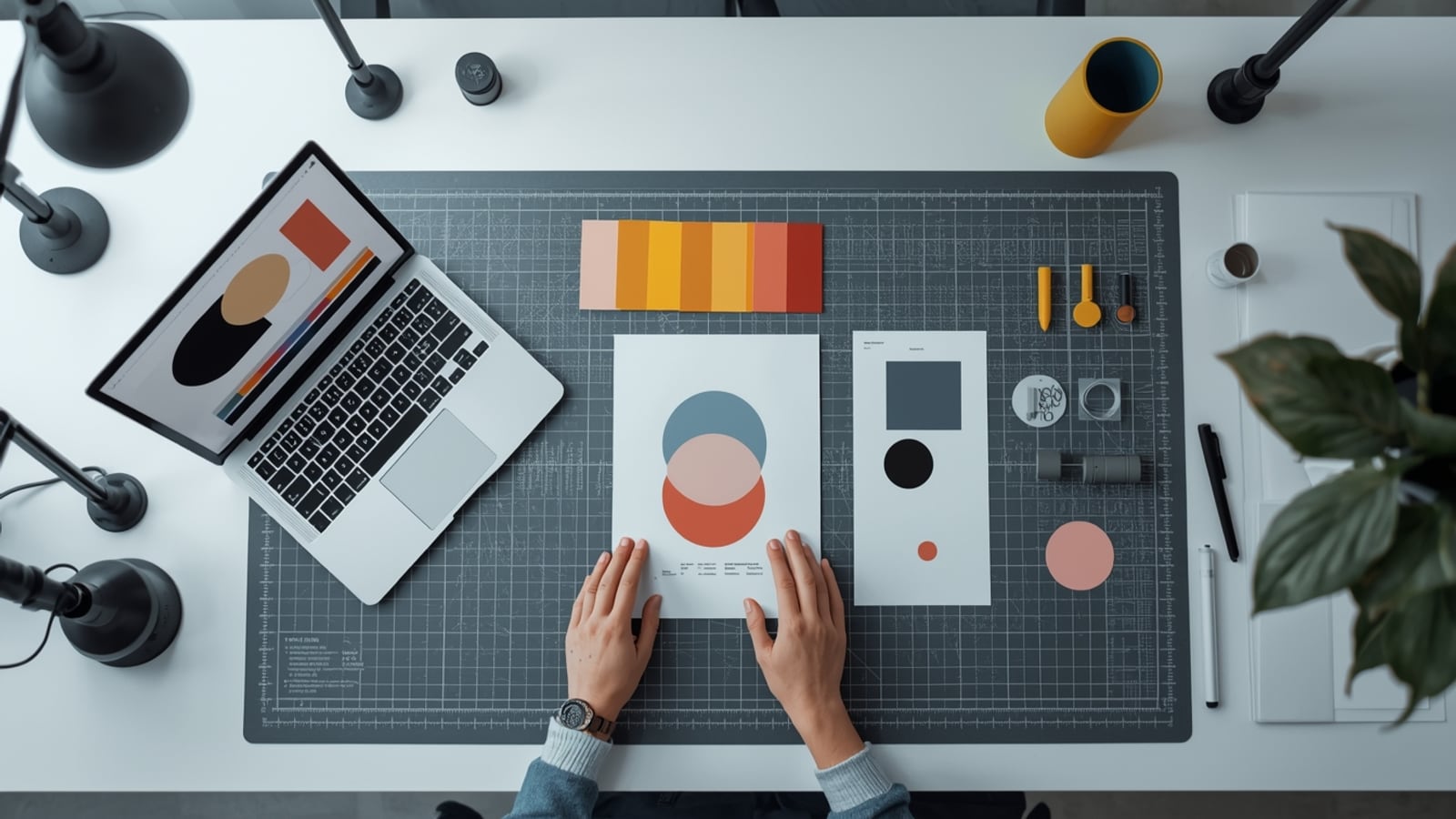
Aligning typographic scale and grid discipline between physical swatch tests and the digital layout canvas.
3. Color Uniformity and Production Grain Pipeline
When combining assets across generative platforms, vector software, and compositing suites, color inconsistency is the most frequent technical hurdle. A neon accent that glows perfectly inside Photoshop can shift toward a muddy hue inside After Effects or clamp unpredictably in a web browser.
Here is the color pipeline I deployed for Zeed to eliminate discrepancies:
- Locked Working Color Space: The entire workflow was locked to sRGB IEC61966-2.1 across Photoshop, Illustrator, and After Effects. Whenever external assets contained Display P3 or wide Adobe RGB profiles, they were explicitly converted using Convert to Profile, never simply re-tagged with Assign Profile.
- Global Unifying Grain: Visuals rendered at different native resolutions feature conflicting pixel characteristics. To unify them, I placed a universal monochrome 35mm film grain overlay at 3% to 5% opacity on top of all presentation templates (using 50% neutral gray set to Overlay mode in Photoshop). This grain layer acts as visual cement, locking crisp vector lines to underlying pixel textures.
- Strategic Accent Distribution: Accent colors were treated as operational indicators rather than decoration. They were reserved purely for action triggers, active interface points, and primary callouts, allowing 85% of the canvas to breathe in dark monochrome harmony.
4. Bringing Assets into Motion: After Effects Hierarchy
Animating a brand system is not about making every graphic element bounce or slide on screen. For Zeed, the motion language had to communicate computational weight and speed without cluttering the screen.
My core After Effects layer architecture follows this order:
- Ambient Motion Bed: Abstract textures isolated in Photoshop were kept active using slow-moving displacement loops (
Turbulent Displacewith micro-adjustments) and minimal 3D camera drift. Keeping background movement subtle ensures the user's focus remains locked on the core message. - Vector Framings and Hard Cuts: Vector brackets, borders, and UI rulers were brought in using rhythmic
Trim Pathscombined with instantaneous Hold keyframes. Snappy, mechanical cadence replaced over-eased bezier curves. - Type Deconstruction: For key text reveals, instead of generic fade-ins, I leveraged After Effects Text Animators utilizing combined
Character Offset,Tracking, andOpacityselectors. Headlines appear as if decoding live on screen.
Once locked, these setups were packed into Premiere Pro Motion Graphics Templates (.mogrt). This allowed rapid creation of daily social deliverables with flawless brand consistency, eliminating the need to animate each asset from scratch.
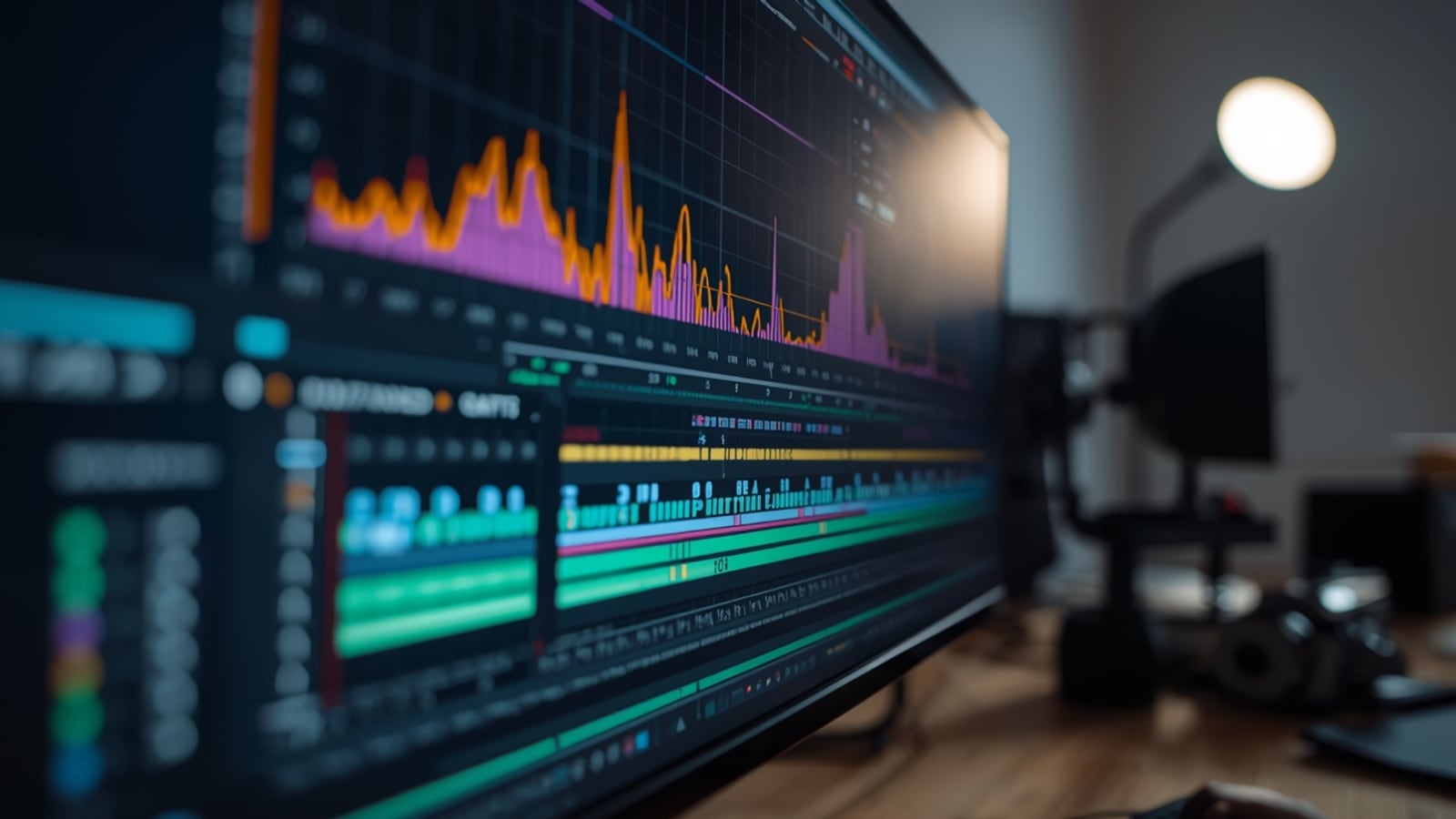
Structuring layer hierarchies and kinetic text animators inside the After Effects composition timeline.
5. Four Common Mistakes in Experimental Branding
When blending generative art with vector identities, avoid these frequent pitfalls:
- Accepting Default AI Compositions: Never use an image directly as delivered by the generator. Cut it apart, scale it, re-grade it, and force it into your grid hierarchy.
- Stacking Excessive Stylistic Effects: Piling on heavy chromatic aberration, lens flares, and glow passes reduces visual fidelity. If readability suffers, remove effects and adjust values rather than adding more filters.
- Inconsistent Texture Densities: Mixing high-frequency raster textures with flat vector shapes without an overarching unifying texture layer creates visual dissonance. Use a shared grain pass across all deliverables.
- Treating Identities as Purely Static: Designing assets without considering how they transform, scale, or loop on screen limits the brand's digital lifespan. Every mark and layout should be tested in motion early in the process.
Building Systems that Scale
Developing an identity like Zeed proves that emerging visual technologies only shine when grounded in time-tested design discipline. By treating raw generative outputs as raw materials rather than finished artifacts, and binding them with strict grids, disciplined color control, and mechanical motion rules, you can create a brand system that feels both cutting-edge and impeccably organized.
If you are planning your brand's next visual identity, 3D motion language, or scalable digital design system, reach out through my contact form to discuss the project.